
Big screen
Big-screen quiz — game show on TV and projector
Questions, answers and scores on a TV or projector — like a studio game show, but in your room.
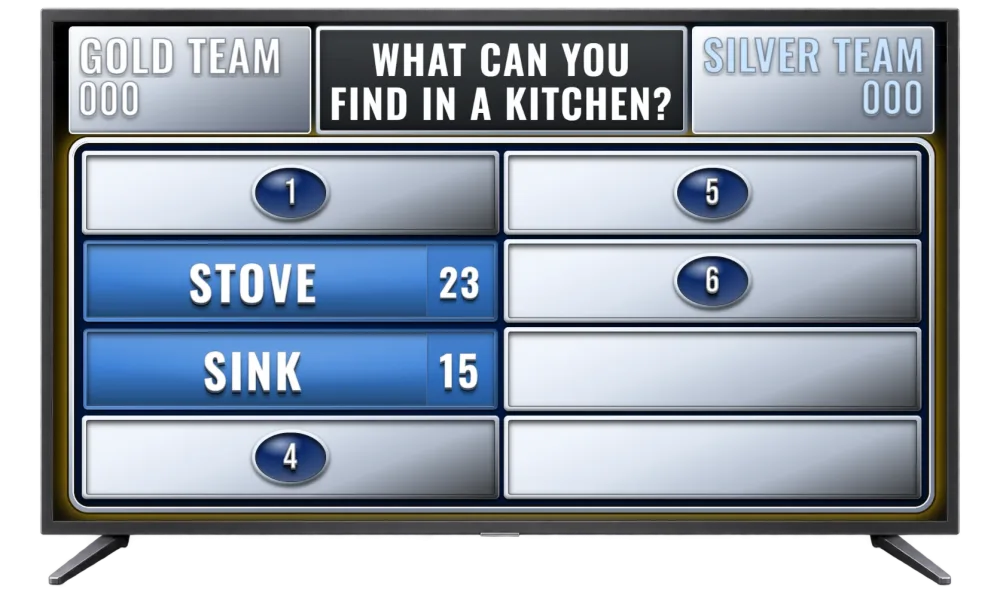
Everyone sees the same on the big screen: question, answers and points. You run the game from a laptop — the audience watches the TV.
- TV board in the browser — no install on the television
- Separate host panel — reveal answers and award points
Technically simple
How do I connect a TV?
Open the TV board in a browser on the television (or via Chromecast / HDMI from a laptop) and connect it to the host panel with a QR code.
Does it work on a projector?
Yes — a browser and full screen are enough. It works in conference rooms, schools and community centres.
Do I need special hardware?
No. A regular smart TV, a projector with a computer, or a laptop connected to a monitor is enough.
What are the TV board and team buzzer?
The TV board shows the game to the audience on a big screen. The buzzer is a browser page on one device — split into two buttons for teams. In a duel, first press wins. Connect everything to the host panel in a few clicks.
Do I need to install anything?
No. You and your guests install nothing. A browser and internet are enough — host panel, TV board and team buzzer are web pages.
Can I use a phone?
Yes. Samiku games work on phone, laptop and tablet. The team buzzer is optimized for tablet.
Does it work offline?
No — the host panel, TV board and buzzer need internet to sync the live game state.