
Party game show
Party game show — live quiz for your group
Birthdays, house parties, meetups with friends — a game show on the TV without weeks of prep.
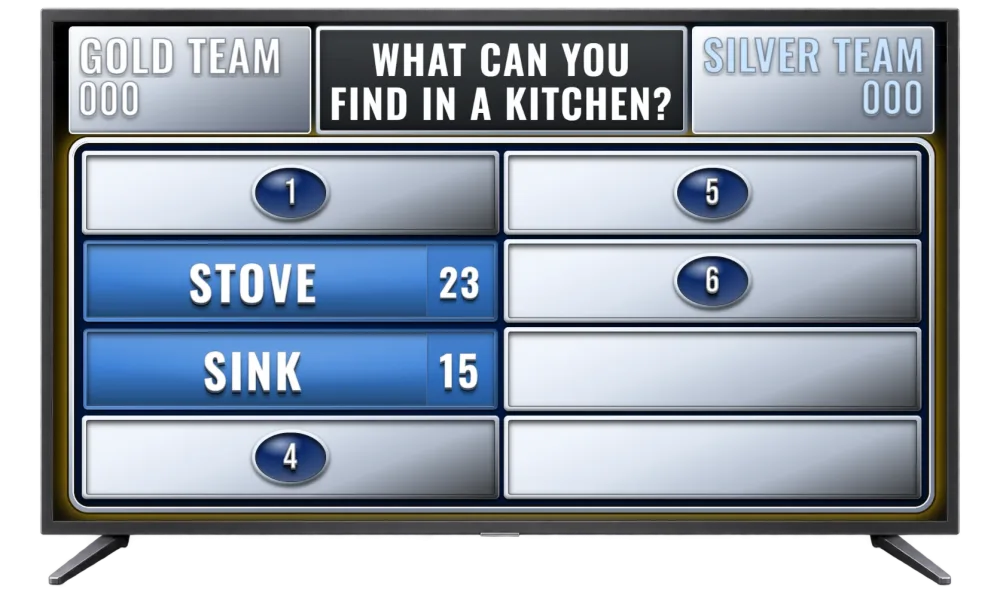
One TV, host laptop and ready-made or custom questions — the rest runs itself. Ready categories or questions about friends, family and shared stories. No printed cards, no install.
At a party in practice
Do I need to install anything?
No. You and your guests install nothing. A browser and internet are enough — host panel, TV board and team buzzer are web pages.
How long does setup take?
The first game takes about 5 minutes — from picking questions to connecting devices with a QR code.
Do I need Premium right away?
No. You can start for free — run a demo without signing up or create a free account. Choose Premium in the app when you actually need full access.
What are the TV board and team buzzer?
The TV board shows the game to the audience on a big screen. The buzzer is a browser page on one device — split into two buttons for teams. In a duel, first press wins. Connect everything to the host panel in a few clicks.
Can I use a phone?
Yes. Samiku games work on phone, laptop and tablet. The team buzzer is optimized for tablet.
Is the buzzer required?
No — you can host without a buzzer, but team duels are much more fun with one.
Can I add my own questions?
Yes. On a free account you can prepare an unlimited library (categories, questions, up to 8 answers when saving) — including questions about a couple, a company or guests, by hand or with AI on Premium. In gameplay the first 3 questions from your library are available (alphabetical order); the rest locked; up to 8 answers on the board. Full library in gameplay — with Premium.